How ZenTap Works
ZenTap is an open-source app blocker using a physical NFC tag as a "key" to your distractions. By creating a real-world barrier, it helps you break the habit of impulsively opening apps and doomscrolling. Regain your focus in three simple steps:
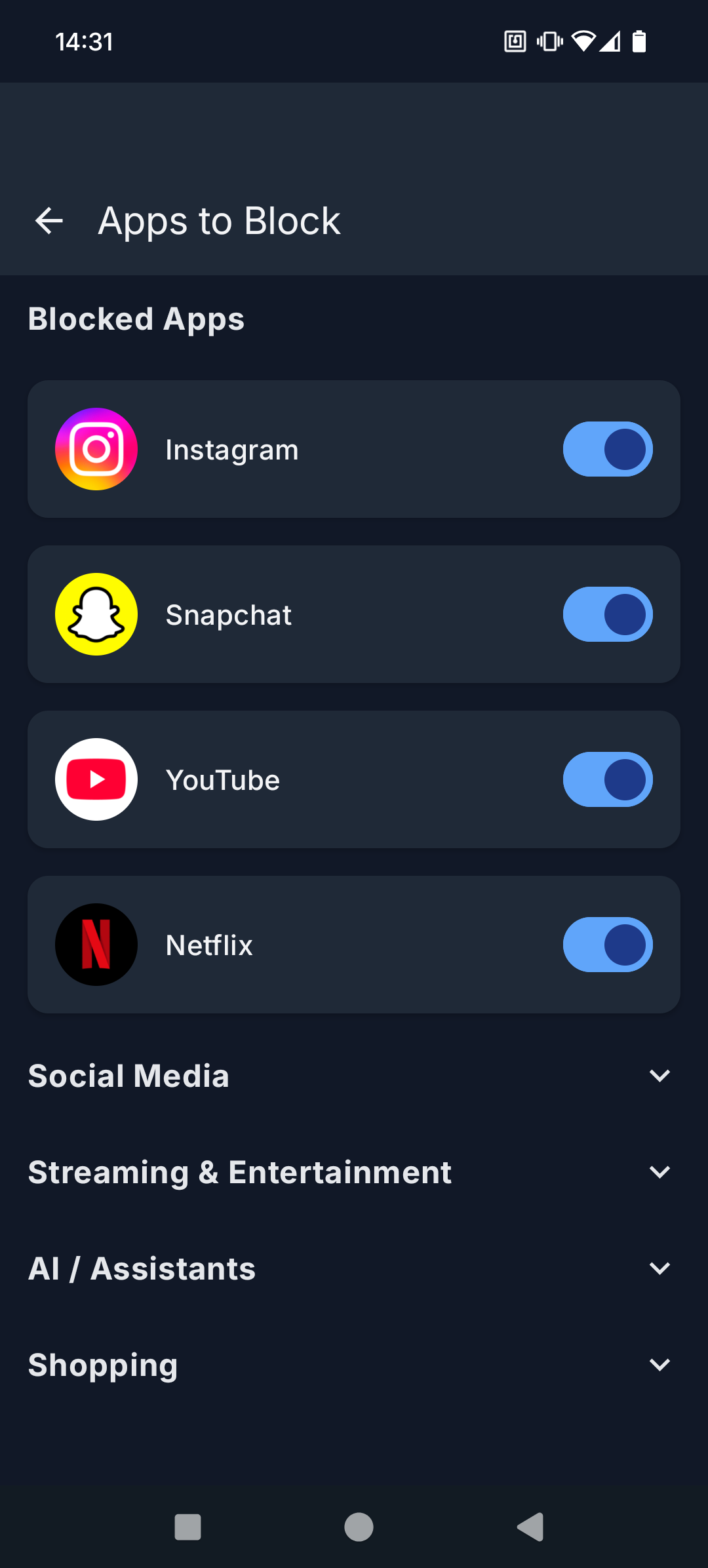
1. Select Distracting Apps
Choose exactly which apps you want to block.
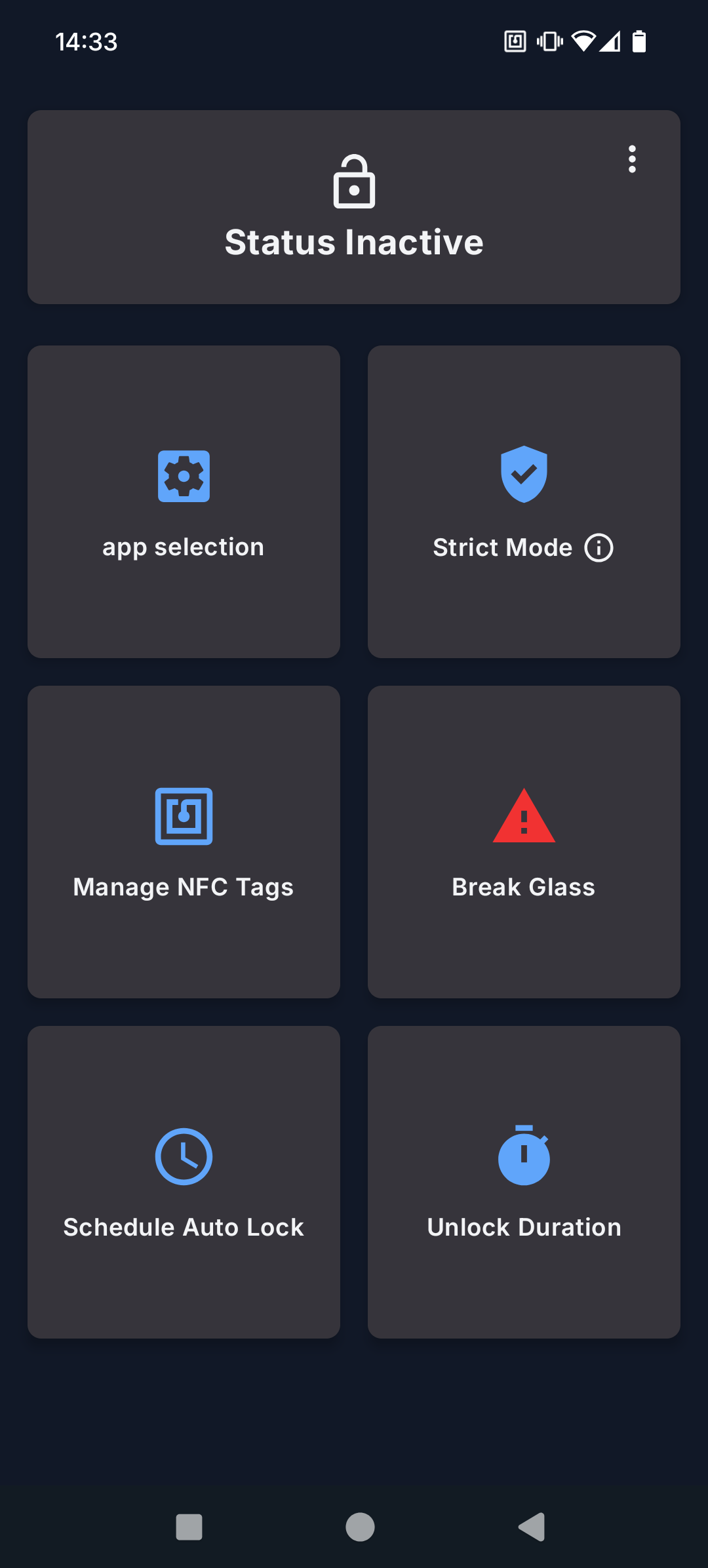
2. Activate the Blocker
Activate the blocker from the home screen or by tapping your ZenTap tag.
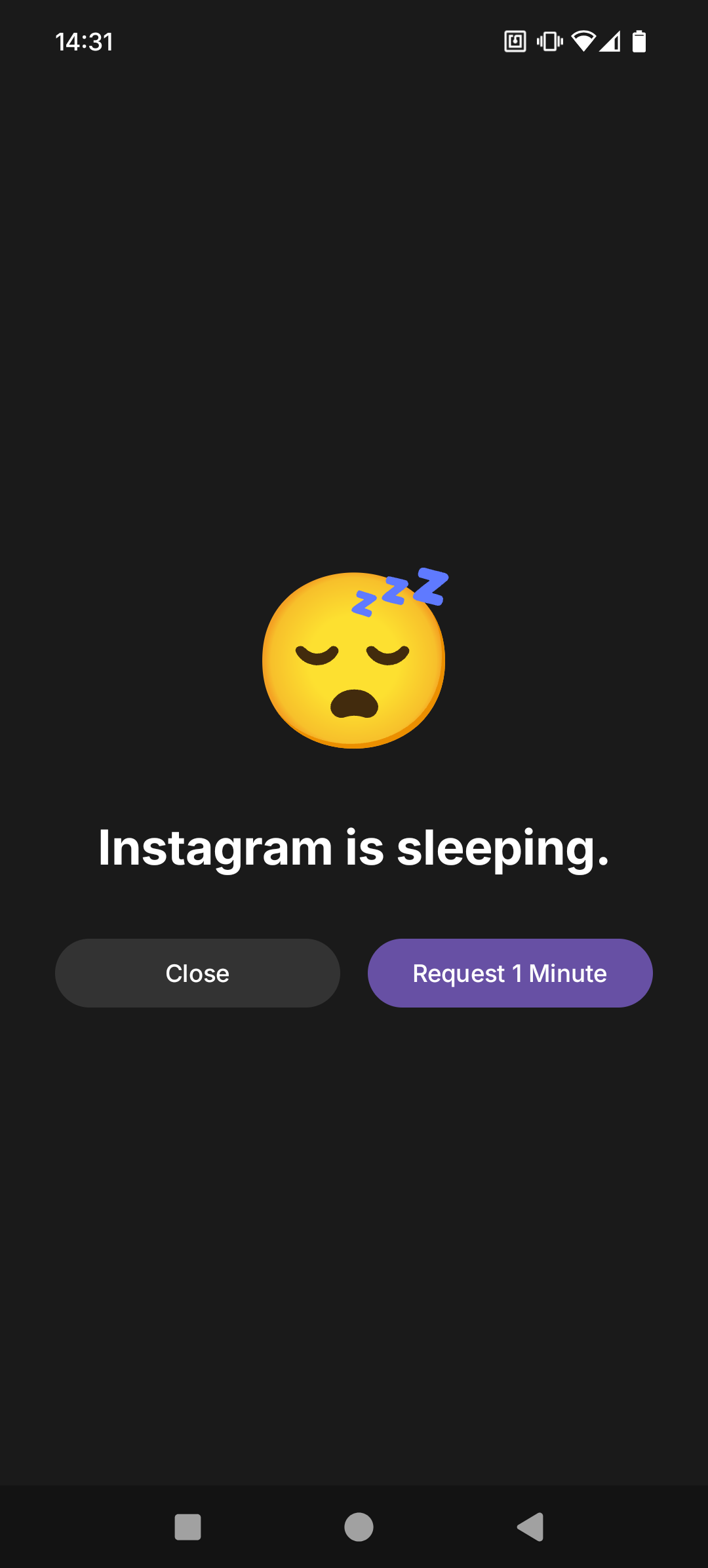
3. Live Distraction Free
Your apps are now blocked until you tap your tag again to unlock.
Why We're Different
Open-Source
Our code is 100% open-source on GitHub. This means complete transparency and the ability for you to inspect, modify, and even add features to your own app.
View on GitHubPhysical Barrier to "DoomScrolling"
Unlike easy-to-bypass software blockers, ZenTap requires a physical action. You have to get up and tap your tag to unlock apps, creating real friction that helps to break the impulse and give you back control.
Privacy-First & Offline
ZenTap is 100% offline. All your data is stored exclusively on your device. No servers, no tracking, no exceptions. Your data is yours, period.
Free Forever
The ZenTap app is 100% free. Period. It works with any standard NFC tag, removing the barrier to entry. Follow our simple guide to program your own, or buy a pre-programmed tag from us to skip the setup and support the project.
Toggle ZenTap from anywhere
Features
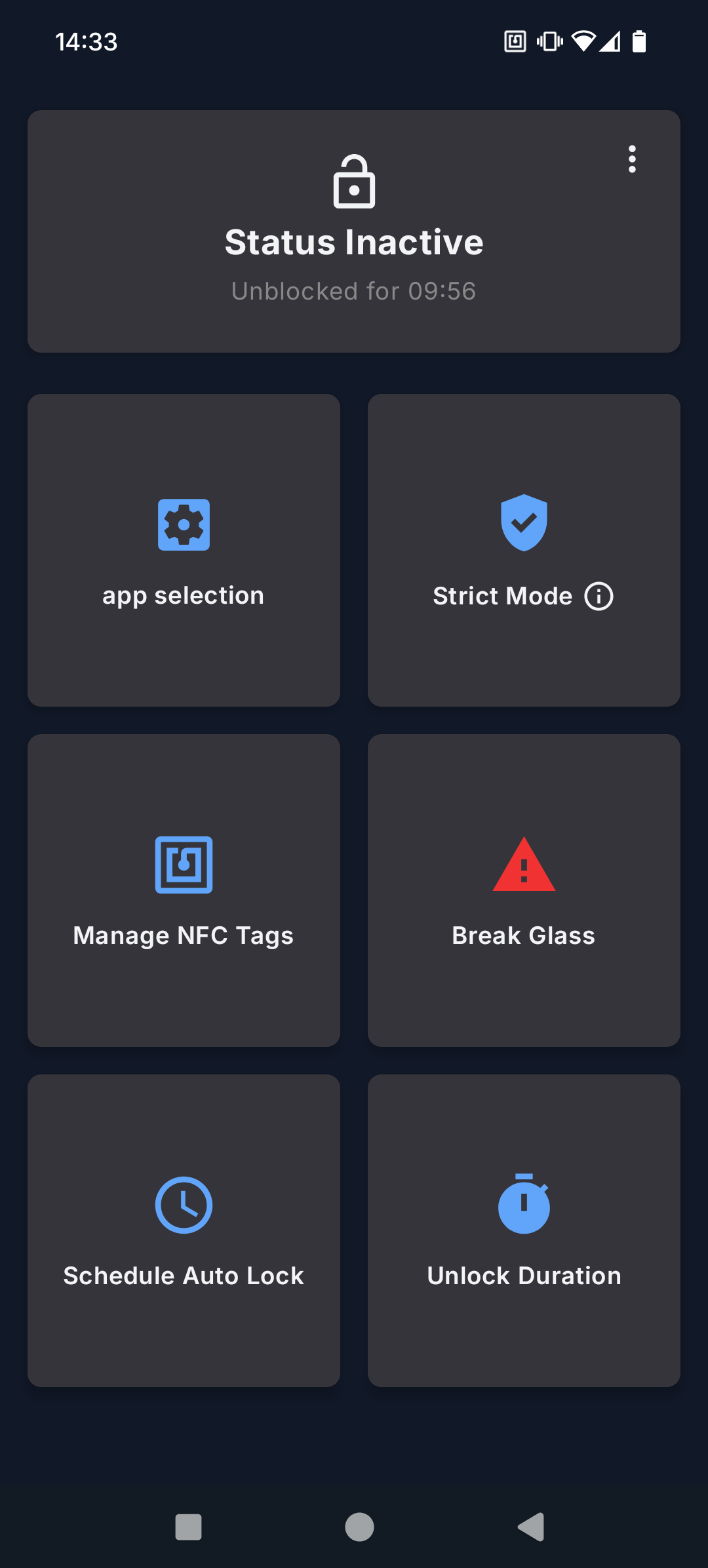
Strict Mode
For unbreakable focus. In Strict Mode, tapping your tag won't turn off the block. It will only grant you a short, pre-set "unlock duration" (like 5 minutes) to quickly do what you need before re-locking automatically.
AutoLock
Build a routine and put your focus on autopilot. Schedule ZenTap to automatically lock distracting apps during work hours, study sessions, or in the evening to protect your time.
Break Glass
For true emergencies, the 'Break Glass' feature is your escape hatch. It requires you to type a random string of text to disable the blocker, and it's purposefully annoying. This creates just enough friction to make you stop and think: 'Is this really an emergency?'
Request a Minute
Sometimes you just need a moment. This feature grants a 60-second unlock for quick tasks, like responding to a message. A built-in 30-second delay acts as a "cooling-off" period, preventing impulse and preserving your overall focus.
Manage Your Tags
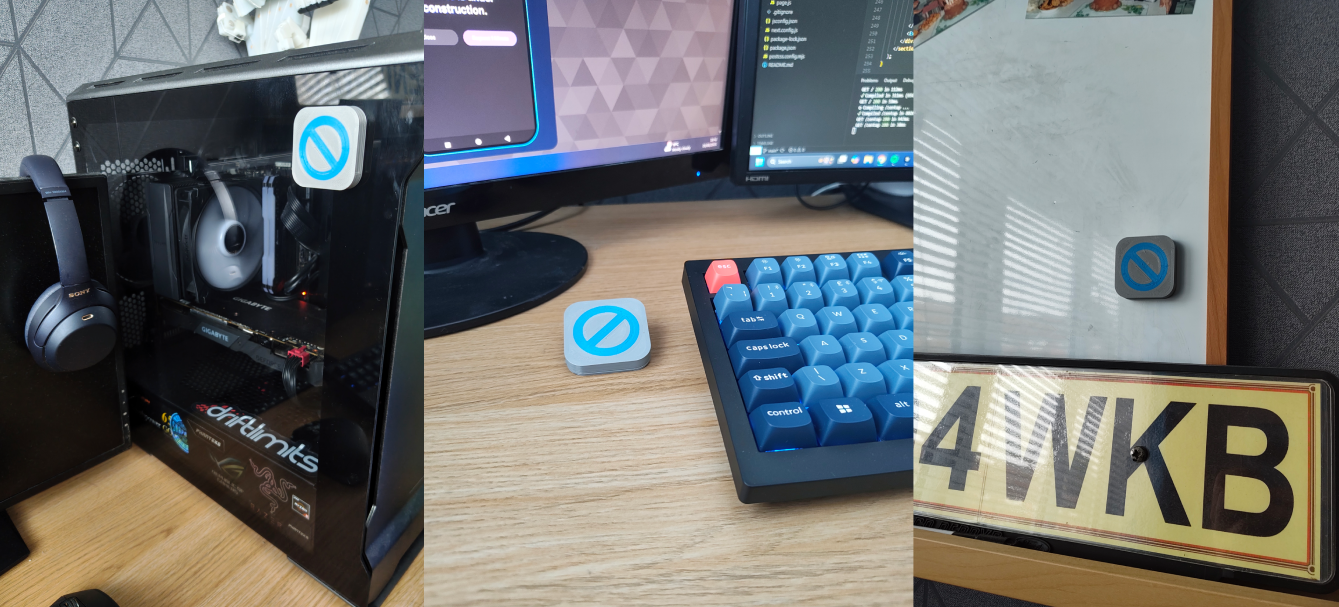
Sync multiple tags to your account. Keep a tag at your office desk, one in your kitchen at home, and another in your bag, ensuring you always have a key to your focus nearby.
Get Started with ZenTap
Become a Tester
Get the app on google play for free and help us to improve. Your feedback is invaluable.
Sign Up as a TesterBuy a Supporter Tag
Skip the setup and support the project. Get a pre-programmed tag that works instantly.
Buy NowProgram Your Own Tag
Have your own NFC tag? Follow our simple guide to set it up yourself.
View DIY GuideFrequently Asked Questions
Here are some of our most common questions. If you can't find what you're looking for, feel free to contact us.
Contact Us
Don't hesitate to get in touch.